

YouArt
YouArt is a creative agent that orchestrates models, tools and prompts into reusable workflows for images and video. Its new desktop app edits directly in After Effects, CapCut and Blender. Launched on Product Hunt on November 12, 2026 as the number two product of the day.
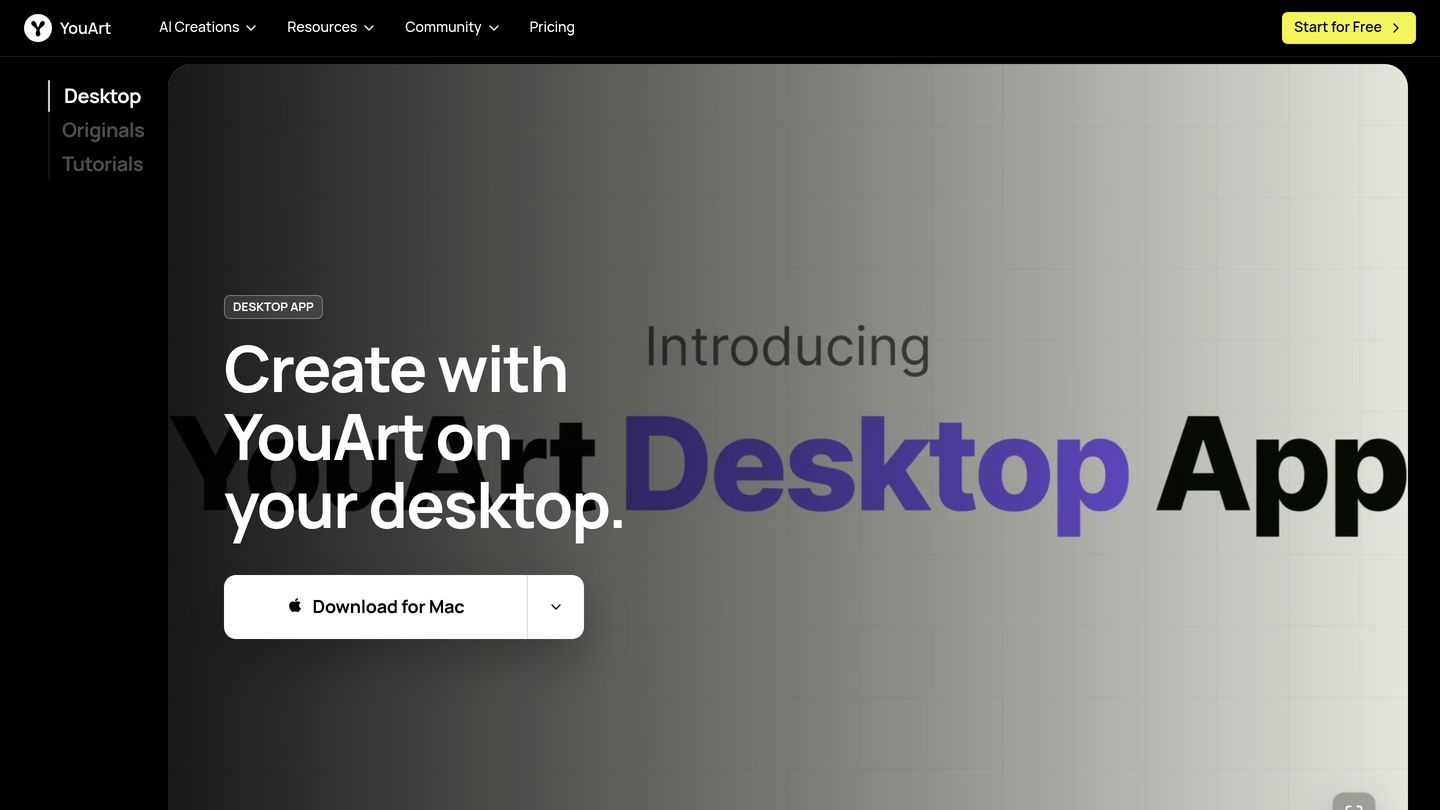
YouArt Review: The Creative AI Agent That Edits Video on Your Desktop
Creative work has a familiar bottleneck. You generate a clip you like, then you carry it into After Effects or CapCut to finish it, and the AI that made the first draft cannot follow you there. The idea, the references and the client feedback all live in different tools, and every handoff costs momentum. YouArt exists to remove that handoff, and its new desktop app takes the idea one step further: the creative agent now works on your computer, inside the tools where finishing actually happens.
YouArt launched its desktop app on Product Hunt on November 12, 2026 and took the number two spot of the day with 294 upvotes. It is the second launch for YouArt, whose web version first appeared on Product Hunt in November 2025. The product is an agentic workflow studio for creating high-quality images and video: a creative agent that orchestrates models, tools and prompts into lightweight, reusable workflows, so a team can move from an idea to production-ready assets without rebuilding the same setup for every project.
What Is YouArt?
YouArt is a creative studio built for vibe-driven designers and creators. You start with a prompt, a reference image or both, and the creative agent turns that direction into images and video, using the best models for the job in one place. The web version is a canvas in the browser where a team can work on the same board, leave notes on a cut and keep every prompt, reference and revision connected to the project.
The new desktop app is the same canvas, carried onto the machine where the finishing happens. It pulls your local files and context from Slack, Gmail and GitHub onto one canvas, and with computer use it operates After Effects, CapCut and Blender directly. From feature launch videos to viral remakes and clips cut from your long videos, it takes the whole job end to end. What it builds in After Effects stays as ordinary keyframes, so you can adjust any of it the way you would adjust your own work.
Key Features of YouArt
1. A desktop creative agent that works inside your editing tools
The desktop app is the headline feature of this launch. Instead of generating a clip and handing it over, the agent edits directly in After Effects and CapCut, and works with Blender too. Because its output stays as ordinary keyframes and editable layers, nothing is locked inside a black box: you keep full control of the timeline and can refine every decision by hand.
2. One canvas for files, context and feedback
YouArt pulls local files and context from Slack, Gmail, GitHub and Notion onto a single canvas. It can also gather client feedback from those tools and edit on its own from it. That matters because the tedious, vital pieces of creative work are usually the gathering and the follow-up, not the generation itself, and YouArt automates exactly those parts.
3. Bring your own API keys, with smart routing to the cheapest provider
You can bring your own API keys, and smart routing sends every shot to the cheapest provider that can do the job. For teams generating hundreds of clips, that routing is the difference between an experiment and a sustainable workflow, and it means you are never locked into one model vendor's pricing.
4. Text-to-video and image-to-video with leading models
On the web, YouArt supports text-to-video and image-to-video creation, with models including Seedance 2.0 and Seedance 2.5 for connected sequences and Wan 3.0 for clips of 2 to 30 seconds at up to 1080p with native audio. A prompt defines the story and mood, a reference image anchors the product, character or style, and the combination gives you a first pass you can react to while the idea is still easy to change.
5. Reusable workflows, templates and a built-in video editor
Workflows are reusable: build the setup for a feature launch video once, then run it again for the next release. Templates cover the common jobs, from launch announcements to logo animation and clips cut from long videos, and a built-in video editor plus no watermark on paid plans mean the output is ready to publish without another tool in the chain.
How It Works
Start on the web or on the desktop app, which you can download for Mac from the YouArt homepage. Write a concise prompt that names the subject, the action, the setting and the feeling the video should carry, and add a reference image when the product shape, character or brand style matters. The creative agent picks the model, generates a first pass, and you review motion, style and story intent while the idea is still cheap to change. Keep what works, adjust the direction, and either export the result or let the desktop agent continue into After Effects or CapCut for the finishing pass. Feedback from Gmail, Slack or Notion lands on the same canvas, so the next revision starts from the client's words rather than from a forwarded screenshot.
Who Should Use YouArt?
- Creators and short-form video makers: turn a recurring idea into fresh episodes fast, with a repeatable prompt structure and a recognisable style.
- Marketers testing campaign visuals: make a message, product moment or motion style visible before committing to a full shoot.
- Product teams announcing updates: turn release notes, screenshots and outcomes into a launch video people actually watch.
- Designers and agencies: explore a direction early, compare treatments on one canvas, and carry the winning one into After Effects without rebuilding it.
- Founders and small teams: one membership covers the models, the agent, the editor and the templates, with no need to stitch five tools together.
Pricing
You can start for free from the YouArt homepage, and paid plans are sold as a monthly membership with annual billing at a discount. The Basic plan costs 7.99 dollars per month billed annually, or 11 dollars month to month, and includes 1,000 credits, up to around 200 images per month and around 332 seconds of video per month. The Pro plan costs 23.99 dollars per month billed annually, or 36 dollars month to month, and includes 3,300 credits, up to around 1,000 images and around 1,100 seconds of video per month. The Max plan costs 119.99 dollars per month billed annually, or 198 dollars month to month, and includes 18,000 credits, up to around 6,000 images and 6,000 seconds of video. The Team plan costs 263.99 dollars per month billed annually, or 435 dollars month to month, and includes 36,300 credits, shared canvases and assets, and up to 10 members per team. Every plan includes all advanced AI models, the intelligent creative agent, the video editor, unlimited template access and no watermark. You can also top up credits any time for 5 dollars per 500 credits, and Enterprise plans with custom models, pricing and Claude Code and Codex integration are available on request.
Pros and Cons
Pros
- The desktop agent edits inside After Effects and CapCut and leaves ordinary keyframes, so nothing is trapped in the AI tool.
- Bring your own keys plus smart routing keeps generation costs under control as volume grows.
- One canvas holds prompts, references, files and client feedback from Slack, Gmail, GitHub and Notion.
- Model choice is real: Seedance and Wan cover short clips, long sequences and native audio in one membership.
- Paid plans include no watermark, unlimited templates and the video editor, so output is publish-ready.
- Free start, and the team plan adds shared canvases, roles and per-member usage tracking.
Cons
- Credit-based pricing needs watching: heavy video months burn credits fast, and the top-up is an extra cost on top of the membership.
- The desktop download page leads with Mac, so Windows availability is less prominent.
- Generation quality still depends on the brief: vague prompts and missing references produce vague first passes.
- The desktop app is brand new, so the deepest workflows are still maturing compared with the year-old web studio.
Final Verdict
YouArt is the rare AI video tool that understands where creative work actually finishes. Generating a clip is easy now; carrying it through feedback, revision and a real edit in After Effects is the hard part, and that is exactly what the desktop agent is built for. The combination of a shared canvas, bring-your-own-keys routing and editable keyframe output makes it a serious tool for creators and teams, not just a prompt box with a render button. Start free on the web, and if your work lives in After Effects or CapCut, the desktop app is the version of YouArt that will save you the most time.
FAQ
Frequently asked questions
What is YouArt?
YouArt is a creative agent that orchestrates models, tools and prompts into reusable workflows for images and video.


